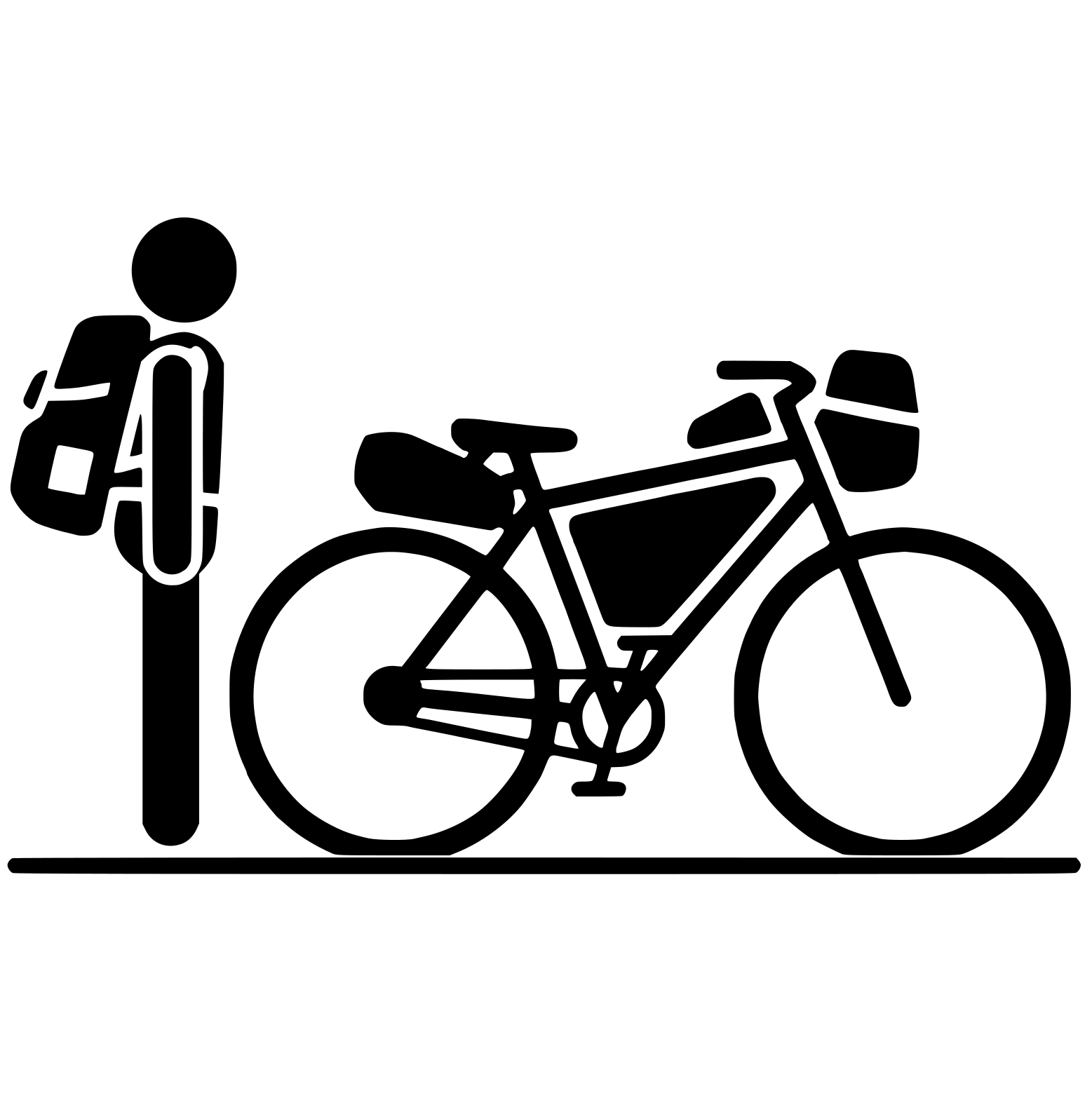
Getting Started with Lightpacker
Lightpacker is a simple, focused tool for tracking outdoor gear and creating packing lists. Whether you're a backpacker, bikepacker or general outdoor enthusiast, it helps you manage your equipment and optimize your pack weight.
What is Lightpacker?
Lightpacker is a gear tracking and packing list tool built for outdoor enthusiasts who care about weight. While other gear management tools exist, most focus backpacking and lack proper support for bikepacking.
As someone who primarily bikepacks, I wanted features tailored to that style of travel, like tracking and visualizing how weight is distributed across your bike bags. Since existing solutions didn't cover this, I built Lightpacker to fill that gap.
Core Features
Gear Inventory
The Gear Overview serves as your master inventory for all outdoor equipment:
- Add gear items with name, type, category, and weight
- Mark items as containers (backpacks, bike bags, panniers)
- View and manage all your equipment in one place
Packing Lists
Create multiple Packing Lists for different trips or setups:
- Select items from your gear inventory to add to each list
- Assign items to specific bags (e.g. backpack for backpacking or saddle bag for bikepacking)
- View weight statistics and category breakdowns
- See the total weight of your setup at a glance
- Import lists from CSV files (Lighterpack and Packwizard formats are supported)
- Make lists public to share them with others
Bikepacking Features
Lightpacker includes features specifically designed for bikepackers:
- Bag Assignment: Assign each item to a specific bike bag. Currently supported bags are: Saddle Bag, Frame Bag, Top Tube Bag, and Handlebar Bag. However, you can write anything you want into the bag section.
- Weight by Bag: View detailed weight breakdowns for each bag position
- Weight Distribution Visualization: See how your gear weight is distributed across your bike with an interactive diagram
Focus on Optimization
One of Lightpacker's standout features is its focus on weight optimization.
For every gear item, you can add an optimization potential. This value represents how much weight you could save by upgrading or replacing that item. For example, if your current tent weighs 1500 g but you've been eyeing a lighter model at 900 g, you can set the optimization potential to -600g.
In your packing lists, you can then toggle between standard and optimized views:
- Standard View: Shows your actual current weight
- Optimized View: Shows what your pack could weigh if you made all the optimizations
This helps you identify where weight savings would have the biggest impact and plan future gear upgrades strategically. In the notes section of every item, you can also record the possible optimized alternatives.
How to Get Started
1. Add Your Gear
Start by adding your equipment to the Gear Overview:
- Click "Add Item" to create a new gear entry
- Fill in the details: name, type, category, and weight
- Optionally add an optimization potential if you know of a lighter alternative
- Mark the item as a container if it's a bag or stuff sack
Tip: You can also import gear from a CSV file in the Packing List Overview if you're migrating from Lighterpack or Packwizard. Duplicates are automatically removed, so you can easily import your existing packing lists.
2. Create a Packing List
Once you have some gear in your inventory:
- Go to Packing Lists and create a new list
- Give it a name and optional description
- Add items from your gear inventory
- Optionally assign items to bags if you're bikepacking
3. Analyze Your Setup
With items added to your packing list:
- View the weight statistics to see your total pack weight
- Check the weight by category breakdown
- For bikepacking, see the bike weight distribution diagram
- Toggle the optimized view to see potential weight savings
Early Preview Version
Lightpacker is currently in early preview. It's fully functional and ready to use, but you may encounter occasional bugs or quirks.
Features may be added, changed, or removed as the application evolves. Check out the Roadmap to see what's planned.
Future Plans
- Open Source: I plan to open source Lightpacker so others can contribute and improve it. Before doing this, however, I need to clean up the code.
- Self-Hostable: The goal is to make Lightpacker easy to self-host for those who prefer to manage their own data.
Feedback
Have suggestions, found a bug, or want to request a feature? Feel free to get in touch. I'd love to hear from you!
Happy packing!